Meta appears to be quietly testing another artificial intelligence powered product, but unlike many of its major launches, this one has arrived without an official announcement. The company recently published Help Center documentation for an app called Pocket, providing the first official details about a platform that lets users create and share AI generated interactive experiences known as “gizmos”.
Its low profile rollout has sparked interest among industry observers; many users are viewing it as an early stage product that Meta is gradually introducing while continuing to test and refine the experience in its initial stages.
What is Meta’s Pocket App?
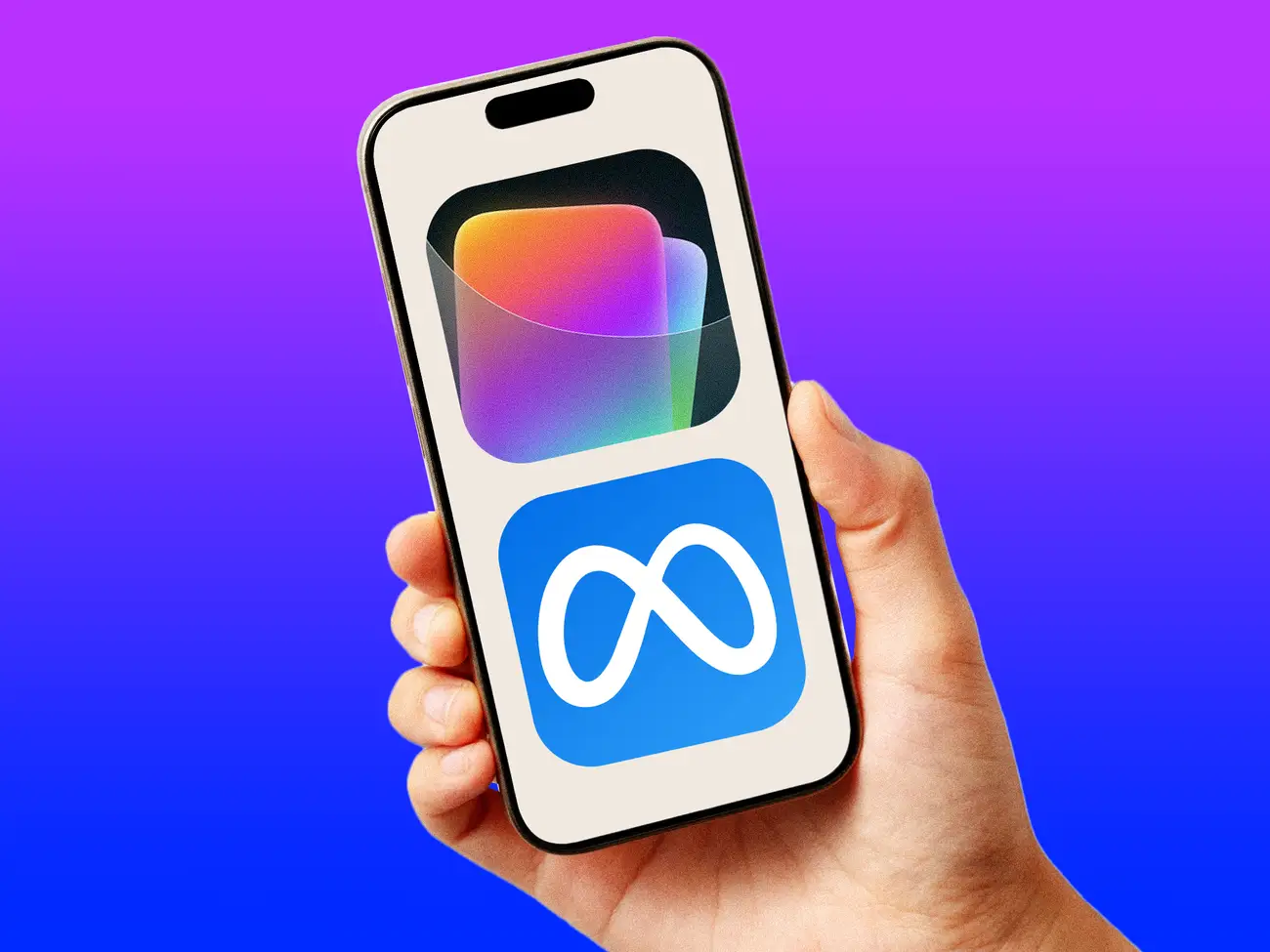
Pocket by Meta is an app powered by AI, so users can build interactive experiences by just describing what they want, no coding needed. You write a text prompt, and the app’s AI jumps in to generate what Meta calls a “gizmo”.
That is different from traditional AI tools, which usually generate text, images, or videos. Pocket is all about making interactive content. You can share your gizmos in the app and others can explore or play with them. There is also a remix feature. If the original creator allows it, anyone can build on what is already there. The app marks another move in Meta’s investment in generative AI. They are shifting from static content to experiences that people can actually interact with and personalize.
$META is rolling out Pocket which is a new social AI app that lets users create and share interactive “gizmos” by prompting AI.
— Shay Boloor (@StockSavvyShay) July 2, 2026
The app turns vibe coding into a social feed of playable mini games and content that can respond to touch motion camera input and photos. pic.twitter.com/d91mSg5Fnb
How does Pocket Work?
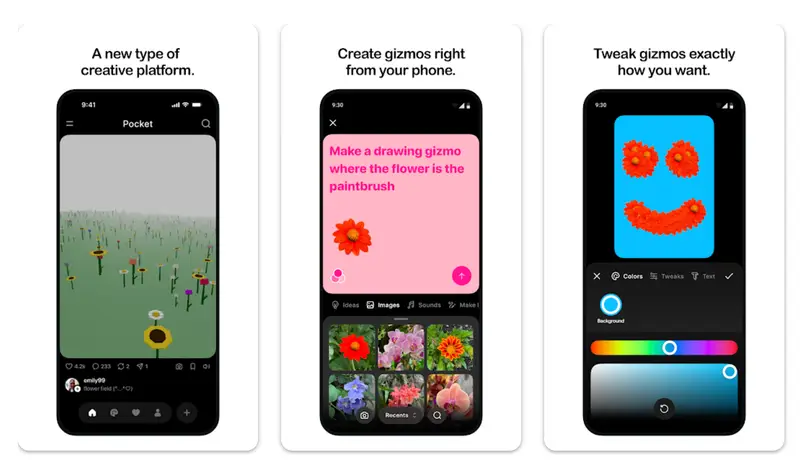
Image Credits: Meta
Meta lays out a simple path for building a gizmo in Pocket. Here are the steps:
Step 1: Open the Pocket app
Users begin by launching the Pocket app to start creating a new interactive experience.
Step 2: Tap “Create” at the bottom
Next, users tap the Create button located at the bottom of the screen to begin a new project.
Step 3: Describe the experience you want
Type in a description of the interactive experience you want to make. Meta says the more detailed you are, the better the results. Pocket’s AI then uses your prompt to create the gizmo.
Step 4: Tap “Next”
Once you have entered your description, tap Next to move forward.
Step 5: Choose whether to allow remixing
Before you publish, you can turn allow remixing on or off. If you let others remix, people on Pocket can make their own versions by adding their ideas to your gizmo. Meta says these remixes can be shared across its products. If you turn remixing off, new remixes stop but any that already exist, remain there.
Step 6: Tap “Post”
To finish, tap Post and publish your gizmo. Meta says creators can share their creations within Pocket or send a direct link to friends, who can check it out without having to download Pocket.
Why hasn’t Meta Officially Announced Pocket?
Even with official support docs livemeta, Meta has not made any formal launch. All signs point to a gradual rollout, not a global launch. The Help Center shows Pocket is not available everywhere yet, which means its access is limited to select users or regions. The docs are up, but lots of people still cannot see the app, so it is in the early stage, not a full public release.
Companies often take this slow approach with new AI products. Rolling it out to a small group first lets Meta watch how people use it, gather feedback, fix bugs, and tune moderation and safety features before launching it to everyone.
No announcement probably means Pocket is still in its initial evolving stage. Rather than hyping the app, Meta seems focused on testing and user feedback, making sure it works before officially making it available and announcing it to everyone.
Also read: Meta Business Agent Promises Personalization, But Can it Actually Capture Brand Voice?
Pocket is a look at Meta’s vision for next-gen AI creativity. Letting users make and share interactive experiences just by typing a prompt expands what AI tools can do, moving past just text or images.