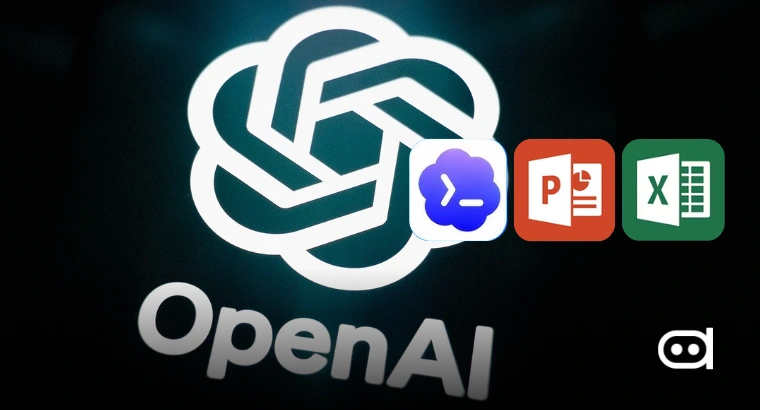
OpenAI appears to be expanding the capabilities of its AI coding agent, Codex, beyond software development and deeper into workplace productivity. OpenAI is experimenting with special controls for Microsoft Excel and PowerPoint; this could let Codex interact with those apps in a way that is much more structured and reliable, instead of just leaning on traditional screen automation.
OpenAI has not formally announced any of this yet, but the new features point to a big step in their larger AI agent plan. Rather than having Codex just drag a cursor and click around like a regular user, it could get access to custom Office add ins for more accurate work inside spreadsheets and presentations. If introduced, the upgrade could make AI assisted document creation, data analysis, and presentation editing considerably more dependable for enterprise users.
Codex could Move beyond Screen Based Automation
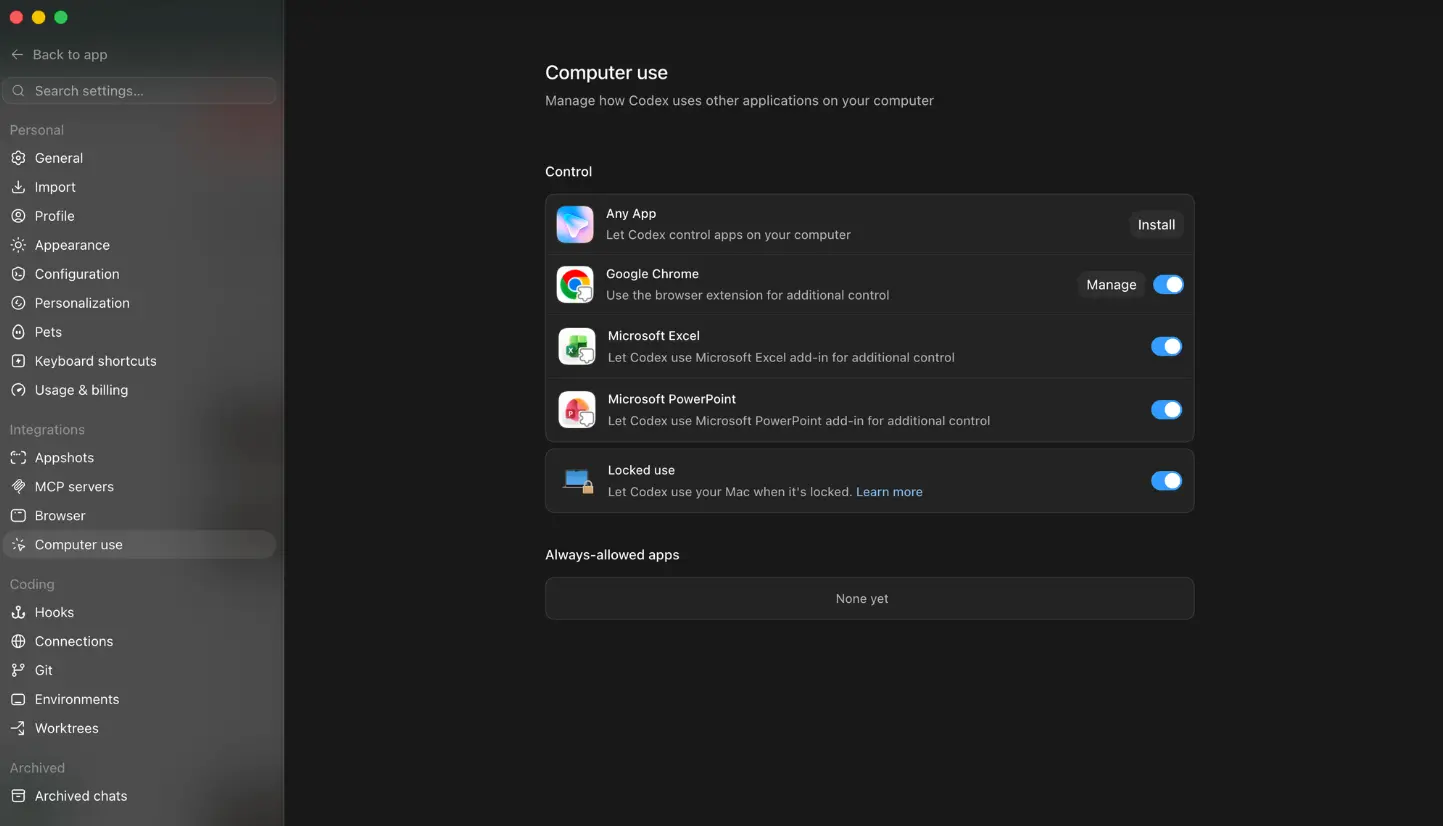
Image Credits: TestingCatalog
Right now, most AI agents that can use computers interact with desktop applications by observing the screen, controlling the mouse, and entering keyboard inputs. That gets the job done across lots of programs, but it is also prone to interruptions caused by interface changes, unexpected pop ups, or misplaced clicks.
According to a report by TestingCatalog, these newly found controls show OpenAI is thinking about a deeper, more native way to get Codex working with Microsoft Office. With Excel, this could mean a special add in that lets Codex read and edit spreadsheets with real intelligence. Instead of identifying cells visually, the AI could grasp workbook structures, formulas, tables, and ranges directly. That level of understanding would make edits much more accurate.
PowerPoint is heading down a similar path. The new controls would let Codex use a PowerPoint add in to manage slides, layouts, text, and objects directly, no more guessing what is on the screen. Reordering slides, updating content, or formatting layouts all become much more stable compared to just automating the UI.
All these features are still in the works, but the direction is clear: OpenAI wants Codex to shift from generic desktop automation to workflows that actually get the underlying documents.
Also read: OpenAI Codex Record & Replay: How to Turn Repetitive Tasks Into Reusable AI Workflows
An Extension of OpenAI’s Productivity Push
This all fits with OpenAI’s broader plan to turn AI agents into real workplace assistants, not just coding tools. Codex has already evolved beyond code generation, recent upgrades let it interact with a wider set of desktop apps. Integrating with Excel and PowerPoint is not just another feature, it is part of making AI a legitimate tool in day to day operations. Codex could pair old fashioned automation with deep, app specific controls wherever possible.
That kind of hybrid approach tackles one of the biggest issues in AI automation: reliability. Sure, screen based automation is flexible, it works anywhere. But it falls apart anytime the UI changes or glitches. App specific integrations mean the AI can use proper commands.
For businesses that rely heavily on spreadsheets and presentations, this shift is a big deal; financial models, sales reports, dashboards, quarterly decks, or business analytics, all built around Excel and PowerPoint. If Codex can actually understand and manipulate these documents, the repetitive editing gets faster and way less risky.
OpenAI is working on enhanced use of PowerPoint and Excel with Computer Use on Codex via add-ons.
— 🚨 AI News | TestingCatalog (@testingcatalog) June 26, 2026
> Let Codex use Microsoft Excel add-in for additional control
> Let Codex use Microsoft PowerPoint add-in for additional control
Computer Use is expanding as a general interface… pic.twitter.com/UXCGYeQ5hx
Although there is no official confirmation regarding availability or launch timelines, the discovery provides an early look at how AI agents may evolve. Instead of mimicking human interactions with desktop applications, future versions of Codex could understand and manipulate workplace documents through structured integrations, making tasks across spreadsheets and presentations more efficient and dependable. If these tools really launch, this could be another big step in OpenAI’s mission to make AI driven productivity a reality.