- Google used its Android Show: I/O Edition 2026 to announce Gemini-powered Android features, AI-generated widgets, Googlebooks laptops, and Android 17 updates.
- Almost every announcement pointed to one thing: moving past traditional app-based navigation. They want people to just tell AI what they want, rather than hunt through apps.
- From “Create My Widget” to cross-app Gemini actions, Google’s aiming for AI to become the main way you interact with your phone, laptop, or connected device.
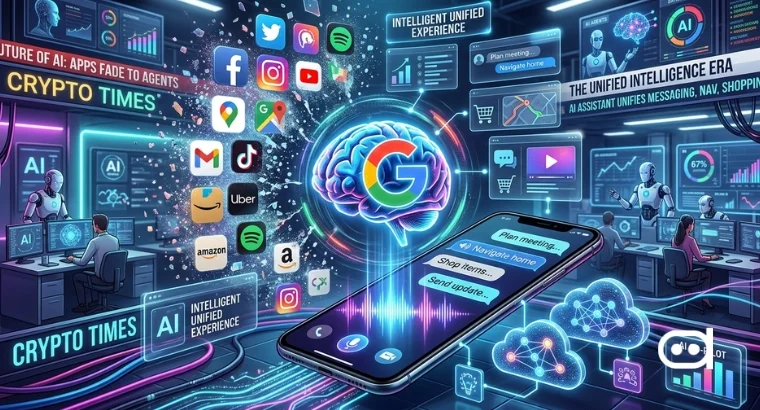
For years, smartphones were all about apps. You tap icons, flip between platforms, and handle tasks one interface at a time. But at the Android Show, Google showed off a future where apps fade into the background.
They shared a bunch of updates across Android, AI, and hardware, but every announcement was connected to making Gemini the layer between users and apps. Instead of navigating software yourself, let AI understand your requests, organize tasks, and build custom interfaces as needed.
How Google is Trying to Replace App-First Computing with AI-First Computing
Everything the company shared highlights a move toward AI-first computing, where you don’t need to open apps anymore. Instead, Gemini listens to prompts, handles context, and takes care of tasks with cross-app actions working in the background.
ICYMI, it's our biggest and best Android Show ever ✨
— Android (@Android) May 12, 2026
✨ Gemini Intelligence brings a literal glow-up
📱New experiences only on Android
🚘 A huge upgrade for Android Auto
💻 Stunning new laptops, with Googlebook
Watch the full show now: https://t.co/2PeT4DWtSl #TheAndroidShow pic.twitter.com/U7koW3M2WT
1. Gemini is transforming the way we use apps
Google’s biggest announcement revolved around deeper Gemini integration across Android. The assistant now acts across apps, understands context, and tackles multi-step tasks, no need for manual navigation.
This isn’t how Android usually works. Instead of jumping from app to app to search, plan, message, organize, or book, you can just ask Gemini to do it. The goal here is to ditch the idea of apps as destinations. With Gemini, apps turn into utilities running quietly while AI becomes your main interface.
2. “Create My Widget” is changing static home screens
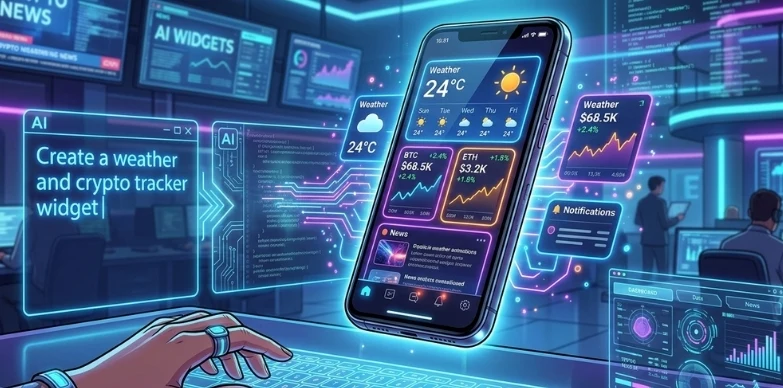
They also introduced “Create My Widget” which lets people create Android widgets using natural language prompts.
Normally, widgets are static, you grab them from apps and customize them yourself but AI-generated widgets change that. You describe what you need, and AI builds the widget for you. This is a sign of “vibe coding” where software gets made through conversation, not traditional programming.
Google is basically aiming to replace fixed home screens with widgets that adapt and change. Instead of forever arranging icons and widgets, Android users might build temporary interfaces, tailored for whatever they need at the moment.
3. Googlebooks are changing laptops
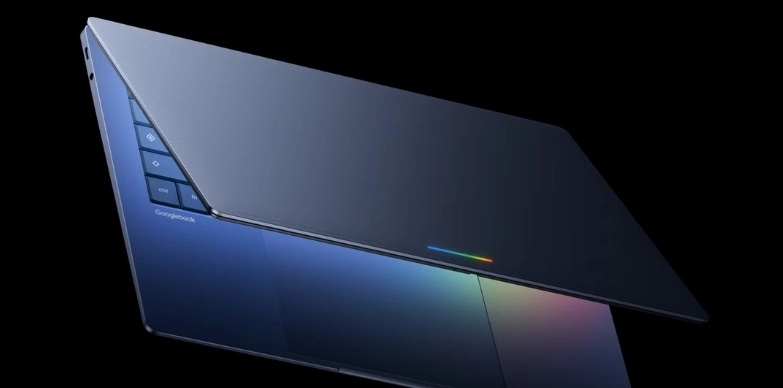
Google introduced “Googlebooks” to take their AI vision beyond phones. These new laptops combine Android and ChromeOS but put Gemini right at the core. At the event, they showed features like contextual AI help, Android syncing, and conversational work flows across the system.
Googlebooks are built for ongoing AI interaction, rather than the old way of opening and closing programs. The company is pushing to replace classic desktop computing where you manage files, launch programs, and juggle windows with AI that helps you finish jobs through conversation.
This also puts Google in direct competition with Microsoft’s Copilot PCs and Apple’s expanding AI features.
4. Android 17 is moving past search-and-tap
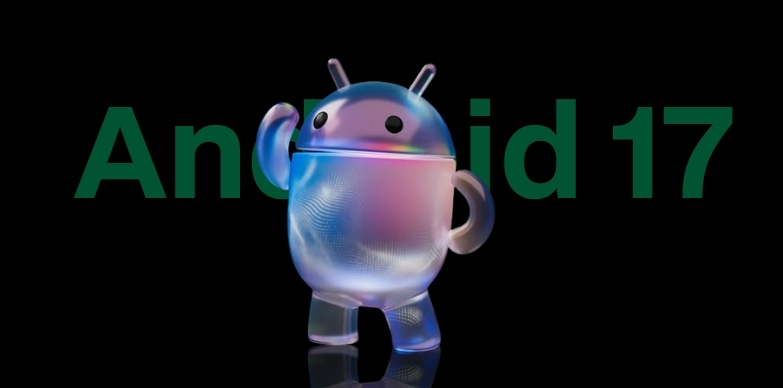
Google previewed Android 17 features like anti-scam protection, easier Android-to-iPhone transfers, creator-focused recording tools, and AI-powered contextual help.
Android used to depend on navigating menus, apps, settings, and tools. Now, Android 17 goes further, predicting and understanding what users need without waiting for exact instructions.
Features like contextual AI suggestions and smart cross-device interactions push Android closer to being proactive, not just reactive. They are actively working to replace the old “search and tap” method with more conversational and predictive ways to interact.
5. Android security updates are evolving
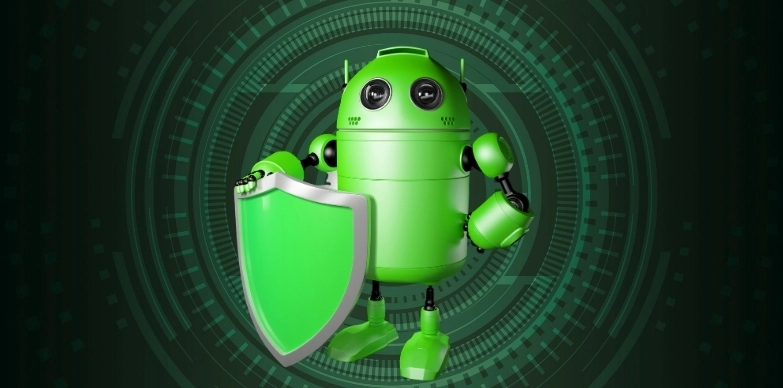
Google rolled out “Intrusion Logging” to help users spot spyware and new types of threats.
As Android becomes more context-aware and AI-heavy, users will need to trust their devices with more sensitive data and permissions. So Google is moving away from reactive security, switching to smarter systems that always watch for strange activity in the background. This matters even more if Gemini is handling tasks across apps, devices, and workflows automatically.
Also read: Google Wants ‘Gemini Intelligence’ to Handle Your Everyday Tasks Across AndroidGemini
Conclusion
Google’s Android Show wasn’t about new widgets, laptops, or system tweaks, it was a vision for the future of computing. Every headline pointed toward the same idea: users relying less on apps and more on AI that understands your intent, builds the interfaces you need, and coordinates tasks quietly across devices. The direction is clear, Google isn’t trying to make Android users think in apps anymore, they want them thinking in prompts.