Key Highlights:
- Google Chrome is getting Gemini 3 with a new side panel experience that turns the browser into a multitasking powerhouse across Mac, Windows, and Chromebook Plus.
- Gemini in Chrome now supports image creation and editing using the Nano Banana model, along with deeper integrations across Gmail, Calendar, YouTube, Maps, Google Shopping, and Google Flights.
- Features like Personal Intelligence, Auto Browse for AI Pro and Ultra users, and the new Universal Commerce Protocol push Chrome deeper into the agentic browsing era while keeping security and user control in focus.
Google Chrome has now truly stepped into the agentic browsing era. The company today announced that Chrome is getting Gemini 3, alongside a major update that promises to make it a multitasking powerhouse. The latest update for Chrome is now available for users on Mac, Windows, and Chromebook Plus, and it’s all about making it easier than ever to get things done online.
Chrome gets side panel, Nano Banana integration & more
First up, Chrome has got the side panel, as part of the latest update. With the new experience in place, you can handle separate tasks with the help of Gemini, while keeping the main tab open all the time. Things like comparing products across multiple tabs, summarizing product reviews, or scheduling events, the side panel can do it all for you.
Google is also giving creativity a major boost by integrating the Nano Banana model deeper into the Chrome browser. Thanks to the integration, you can now create or edit images using Nano Banana directly in Chrome. That cuts the hassle of switching tabs or uploading files to another platform. Whether it’s redesigning a living room or turning research data into infographics, Gemini in Chrome lets you get all the visual tasks done instantly.
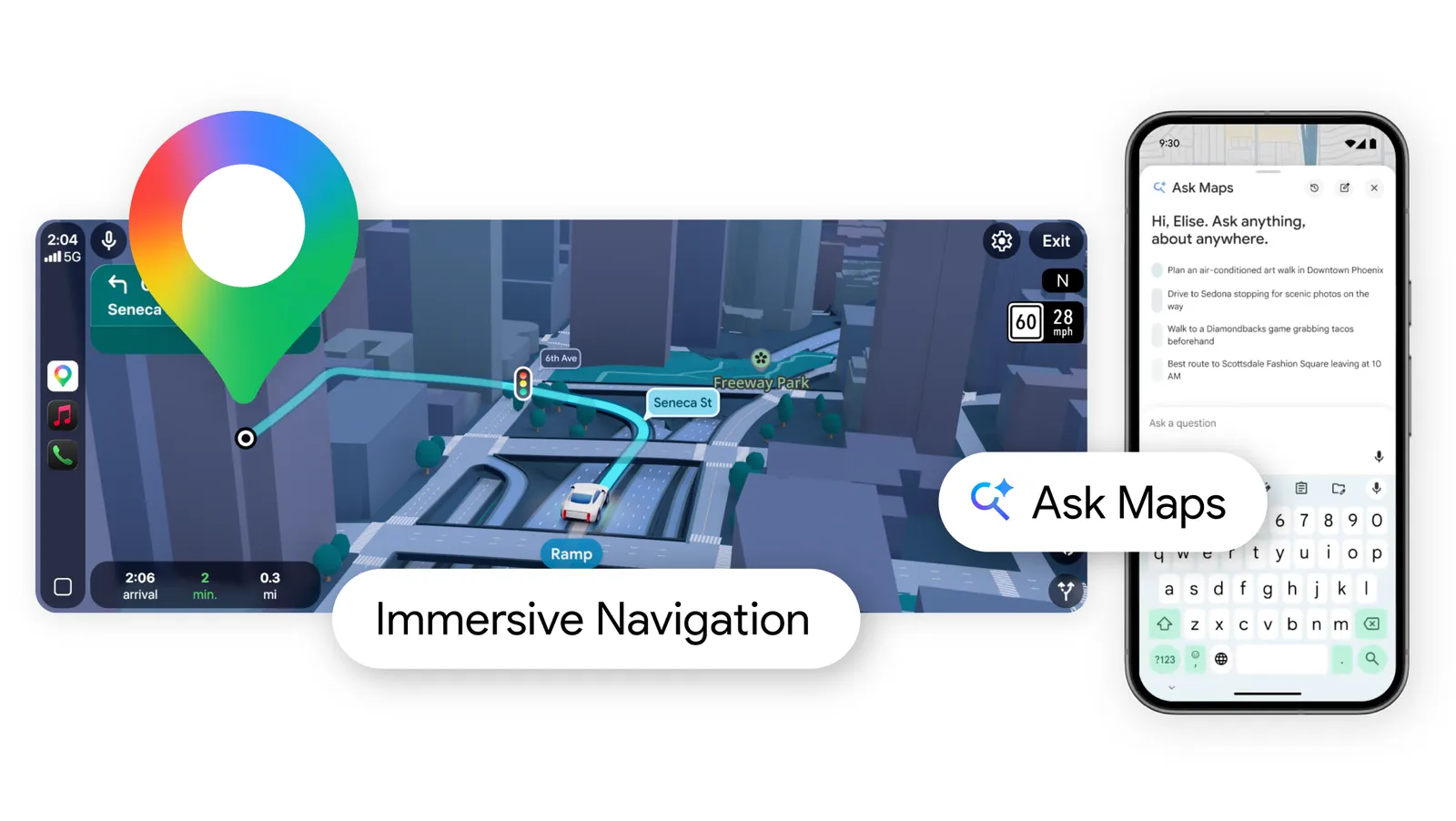
Gemini in Chrome now also works with Gmail, Calendar, YouTube, Maps, Google Shopping, and Google Flights. In short, tasks like booking a flight, referencing old emails, and drafting messages can be done all from the side panel while saving time and effort. Moving on, Personal Intelligence, which is already available in the Gemini app, is also coming to Chrome soon. You can opt in to connect apps, add instructions to get personalized responses, and get context-aware assistance across the web. Chrome essentially learns from previous interactions to give proactive, relevant help.
You may also like: Google Supercharges Gmail With Gemini in Its Biggest AI Update Yet
Auto Browse is also rolling out to Chrome users in the US, with a catch
If you live in the US and have subscribed to Google’s AI Pro and Ultra plans, you’ll also get access to Auto Browse. The feature puts Gemini in the driving seat to do all the browsing for you. For instance, the experience is similar to that of using Comet AI Assistant (hands-on). In short, Gemini can handle complex multi-step tasks, from booking travel and scheduling appointments to managing subscriptions and completing forms. With multimodal capabilities, it can even identify objects in images and add them to shopping carts while applying discounts automatically.
Finally, Google is introducing Universal Commerce Protocol (UCP), a new open standard for agentic commerce. Built with partners like Shopify, Etsy, Wayfair, and Target, it allows AI agents to perform tasks on a user’s behalf securely. With rigorous security and explicit confirmations for sensitive actions, Gemini in Chrome is designed to be both powerful and safe.