Key Highlights –
- Anthropic has launched computer use for Claude as a research preview on macOS, available to Pro and Max subscribers through Claude Cowork and Claude Code
- The feature prioritises connected services like Gmail and Slack first, falling back to direct screen control only when no connector exists making it a deliberate design choice that separates it from most computer-use implementations
- MacStories’ first-look testing put real-world reliability at roughly 50/50 for complex tasks, and Anthropic itself describes computer use as “still early” compared to Claude’s text and coding capabilities
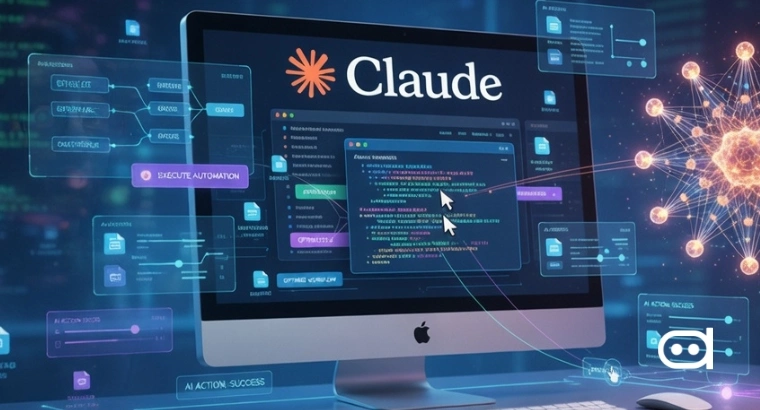
Anthropic has given Claude the ability to control a Mac. As of March 23, Pro and Max subscribers can grant Claude permission to move the cursor, click, type, open applications, browse the web, and interact with desktop software — all within a sandboxed environment inside Cowork and Claude Code. The feature is a research preview, and Anthropic has been upfront that it is not yet a finished product. What is worth paying attention to is not just that Anthropic built this, but how they chose to build it.
The Integration-First Architecture
Most computer-use implementations treat screen control as the default. Claude’s approach works the other way around. When computer use is enabled, Claude first looks for a connector to the relevant service. If you ask it to summarise your emails, it reaches for the Gmail connector rather than navigating the Gmail website through screen capture. Direct screen control only activates when no connector exists for the task at hand.
You can now enable Claude to use your computer to complete tasks.
— Claude (@claudeai) March 23, 2026
It opens your apps, navigates your browser, fills in spreadsheets—anything you'd do sitting at your desk.
Research preview in Claude Cowork and Claude Code, macOS only. pic.twitter.com/sVymgmtEMI
That distinction matters for two reasons. Connected integrations are faster, more accurate, and more reliable than screen-based navigation. They are also less likely to produce errors from UI changes or resolution differences. Positioning screen control as the fallback rather than the default makes the system meaningfully more stable than tools that rely on visual navigation for everything.
For context, this space has been active for a while. OpenClaw, which Anthropic itself acknowledges as a reference point, and Perplexity Computer have both been offering AI-driven computer control, in some cases built on top of Claude’s own API. Anthropic is now doing natively what third-party tools built around its models were doing first. Whether the native implementation proves more reliable than those tools is something the research preview period is designed to establish.
What Dispatch Adds to This
Computer use becomes considerably more interesting when paired with Dispatch, Cowork’s phone-to-desktop relay feature. The setup takes under a minute: open Cowork on your Mac, scan a QR code with the Claude mobile app, and your phone becomes a remote control for anything Claude can do on your desktop. Task your Mac from a commute, check progress from another room, come back to finished work.
The key architectural decision Anthropic made here is that all processing stays local. Your files do not route through external servers. The phone sends an instruction, it transmits to your Mac, and Claude executes it in a local sandbox. For users with privacy concerns or compliance requirements, that is the design choice most worth noting.
Current limitations are real though. Your Mac must be awake and the Claude app must be open at all times. There is only one continuous conversation thread, with no way to manage parallel tasks. Chaining complex multi-step instructions is unreliable at this stage.
What Anthropic’s Own Warnings Signal
Anthropic’s safety guidance around this launch is notably candid. The company recommends against using computer use for sensitive information during the preview, acknowledges prompt injection risks are “constantly evolving,” and states plainly that the feature is still early compared to Claude’s other capabilities. That candour is appropriate given what the feature actually does, i.e. granting an AI agent access to your desktop environment carries real risk if misused, and Anthropic is not pretending otherwise.
Windows support is confirmed but has no release timeline. Until then, the feature is macOS-only.
Also Read – Top 7 High-Paying AI/ML Jobs in 2026
Wrapping Up
Claude’s computer use preview is a credible step into a space that has been mostly dominated by third-party tools and open-source workarounds. The integration-first architecture is the right approach technically. The 50/50 real-world reliability from early testing is the honest current state. Whether this becomes a dependable tool or remains a research curiosity depends on how quickly Anthropic can close that gap.