Key Highlights:
- Earlier today, Adobe announced some power-packed AI tools for Adobe Premiere Pro and After Effects 26.0.
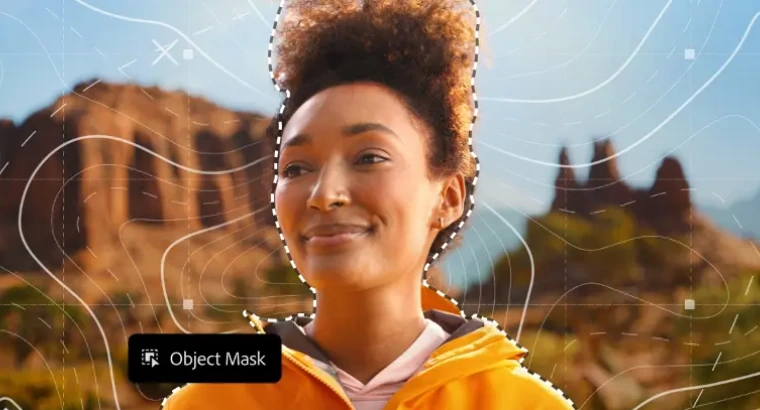
- As far as Premiere Pro is concerned, there’s a new AI-powered Object Mask feature that helps with precise masking by automatically tracking complex moving objects.
- Adobe Premiere’s redesigned Shape Masks now track up to 20 times faster than before. Besides that, you’ll come across the new Frame.io V4 panel, which is now available in beta inside Adobe Premiere.
Adobe has kicked off 2026 with some big announcements earlier today, which will supposedly cater to editors and motion designers alike. Well, Adobe has mentioned AI features in this announcement, and guess what? The tech isn’t just there for the sake; it does the job.
Adobe Adds AI Object Mask to Premiere Pro and After Effects 26
The new AI-powered creative tools are rolling out to Adobe Premiere Pro and After Effects 26.0. One of the standout features of upgraded Premiere Pro is the new AI-powered Object Mask. It works exactly as it has been named. All you have to do is simply hover over a subject, click once, that’s all; Adobe Premiere will then generate a precise mask that tracks complex moving objects automatically.
This feature appears to help those who find it quite hard to go the frame-by-frame route. What’s more important is that it’s fast, accurate, and runs fully on-device using Adobe’s assistive AI models. The company has also confirmed that none of the AI features will use user data for training.
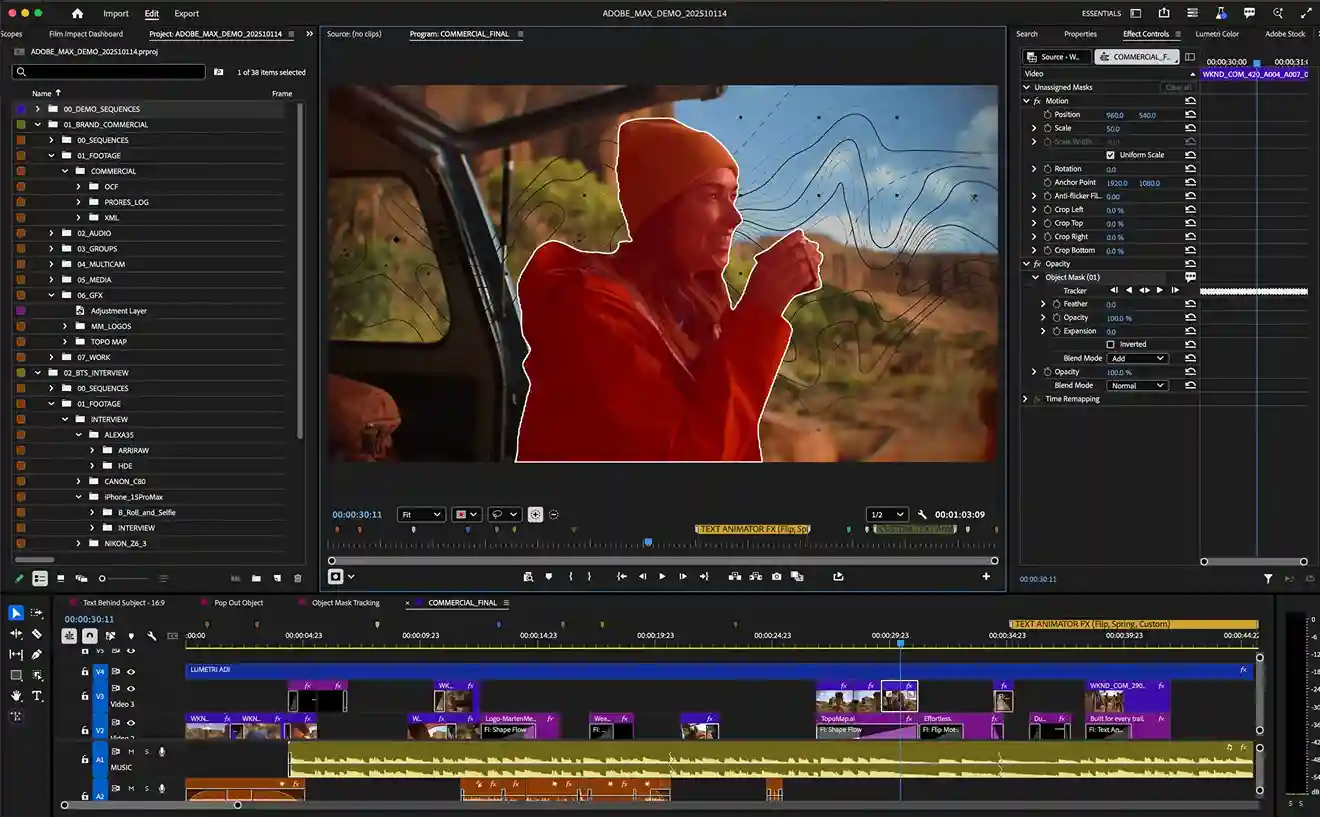
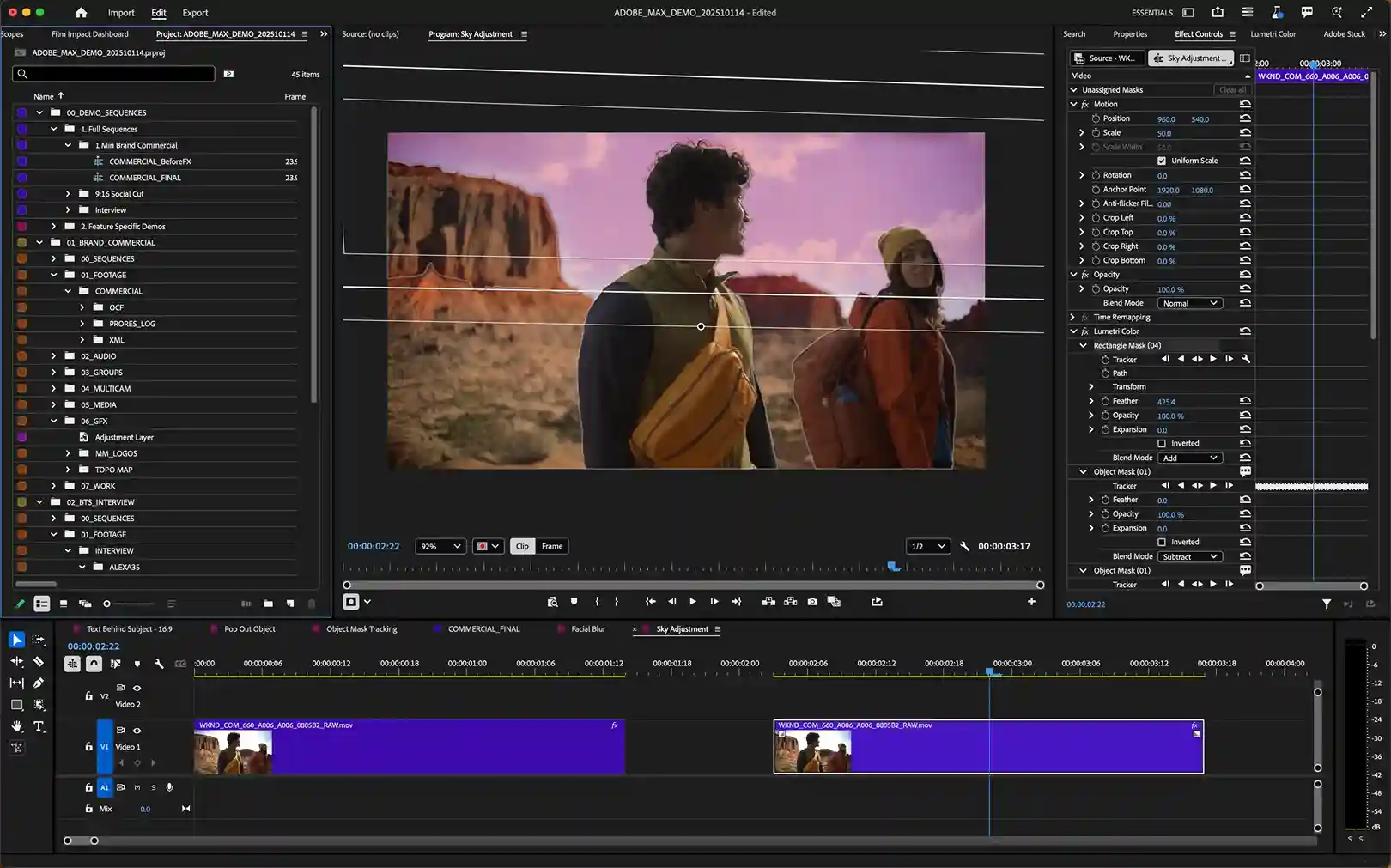
Moving on, masking, in general, gets a major upgrade, too. Adobe Premiere’sObject Mask Adobe redesigned Shape Masks now track up to 20 times faster than before. You get live tracking previews, bi-directional tracking, improved Bezier curves, and even 3D perspective tracking. That means blurring faces, relighting scenes, isolating color grades, or anchoring effects to moving surfaces is now much easier than it used to be.
You may also like: Apple Creator Studio Launch Signals New Competition for Adobe
Firefly Boards, Frame.io V4, and Big Motion Design Upgrades
Adobe has also revealed some upgrades meant for the pre-production to post-production loop. Firefly Boards can now send generated assets, storyboards, and concepts straight into Premiere projects with a click. Meanwhile, the new Frame.io V4 panel is available in beta inside Adobe Premiere. Notably, the new panel keeps all your comments, versions, and media synced without leaving the timeline, which keeps workflow intact in place.
On the After Effects side, the latest version 26.0 focuses on motion design. Importing SVG files feels native just like shaping layers, creating parametric 3D meshes right inside the app, and applying over 1,300 free Substance 3D materials. Adobe has also upgraded variable fonts with full axis animation support built into the Text Animator system.
Moreover, Adobe Premiere Pro and After Effects 26.0 are available starting today via Creative Cloud.