The current development of artificial intelligence creativity tools is rapidly progressing, with Google Mixboard being another entrant. The Mixboard platform functions as an AI-driven idea board that enables creators to brainstorm ideas and create visual elements while organizing their thoughts within a single workspace.
The process of developing new ideas becomes difficult for creators, marketers, and designers because they need to switch between different tools that offer inspiration, design, and execution capabilities. Google Mixboard promises to bring all of that into a single platform powered by AI.
What Is Google Mixboard?
Google Mixboard AI operates as an artificial intelligence visual idea board, which Google Labs developed as an experimental AI tool. Users can create, modify, and arrange their creative ideas through the system by using basic text commands. Mixboard provides users with a workflow solution that combines traditional brainstorming methods with its generative AI system. Users can generate instant visual content, which they can use to create a defined AI idea board while the system handles all reference collection tasks.
The Google Mixboard tool assists content creators, designers, marketers, and creative teams by providing them with fast methods for generating ideas and creating visual prototypes. It functions as both an idea generator and a tool for arranging brand concepts, mood boards, and campaign ideas.
Accessing Google Mixboard
Step-1 ) Go to the official Mixboard page: (https://mixboard.google.com/projects )
Step-2) Sign in using your Google account
Step-3) Click “New Project” to start a new board
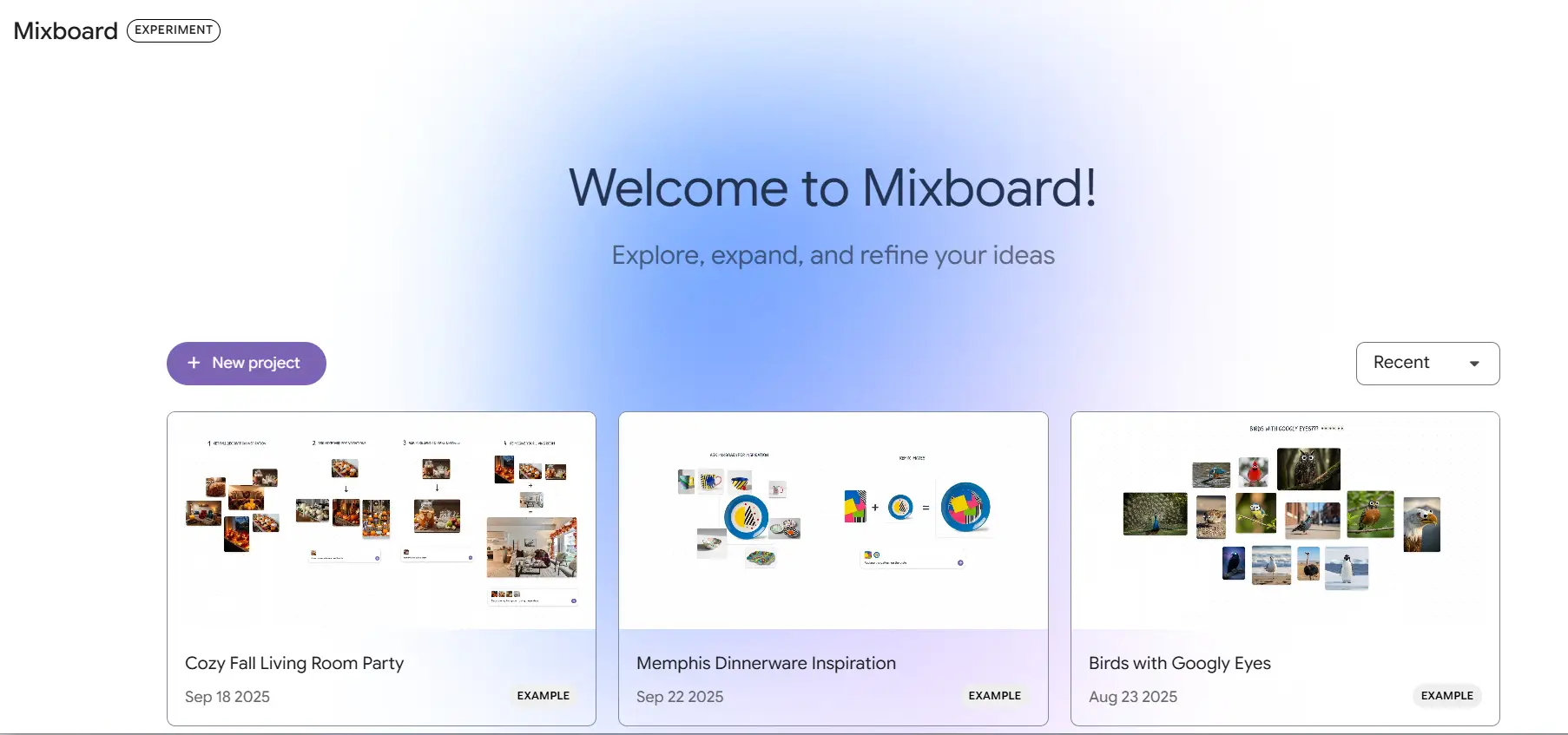
Step-4) Enter your prompt and begin exploring or organizing your ideas
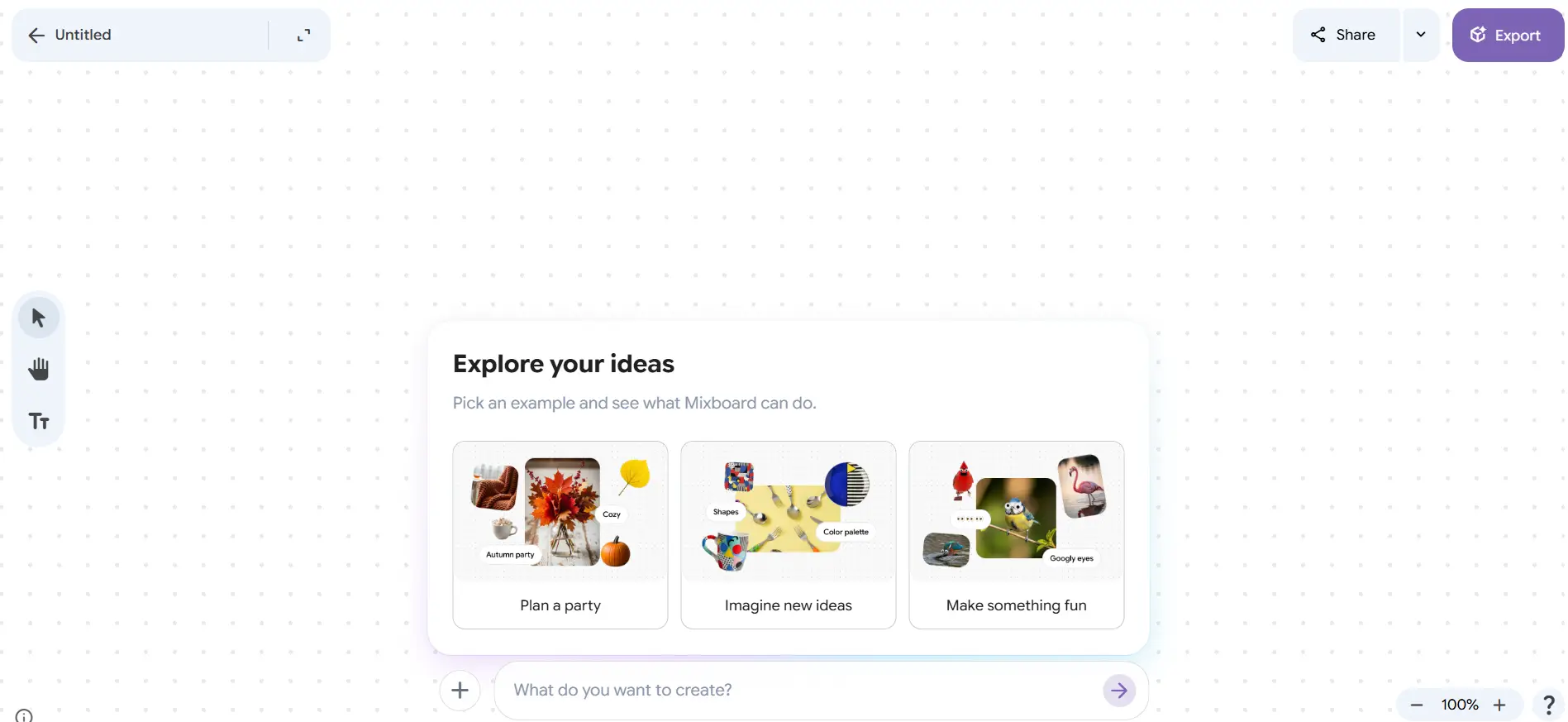
Testing Google Mixboard Features
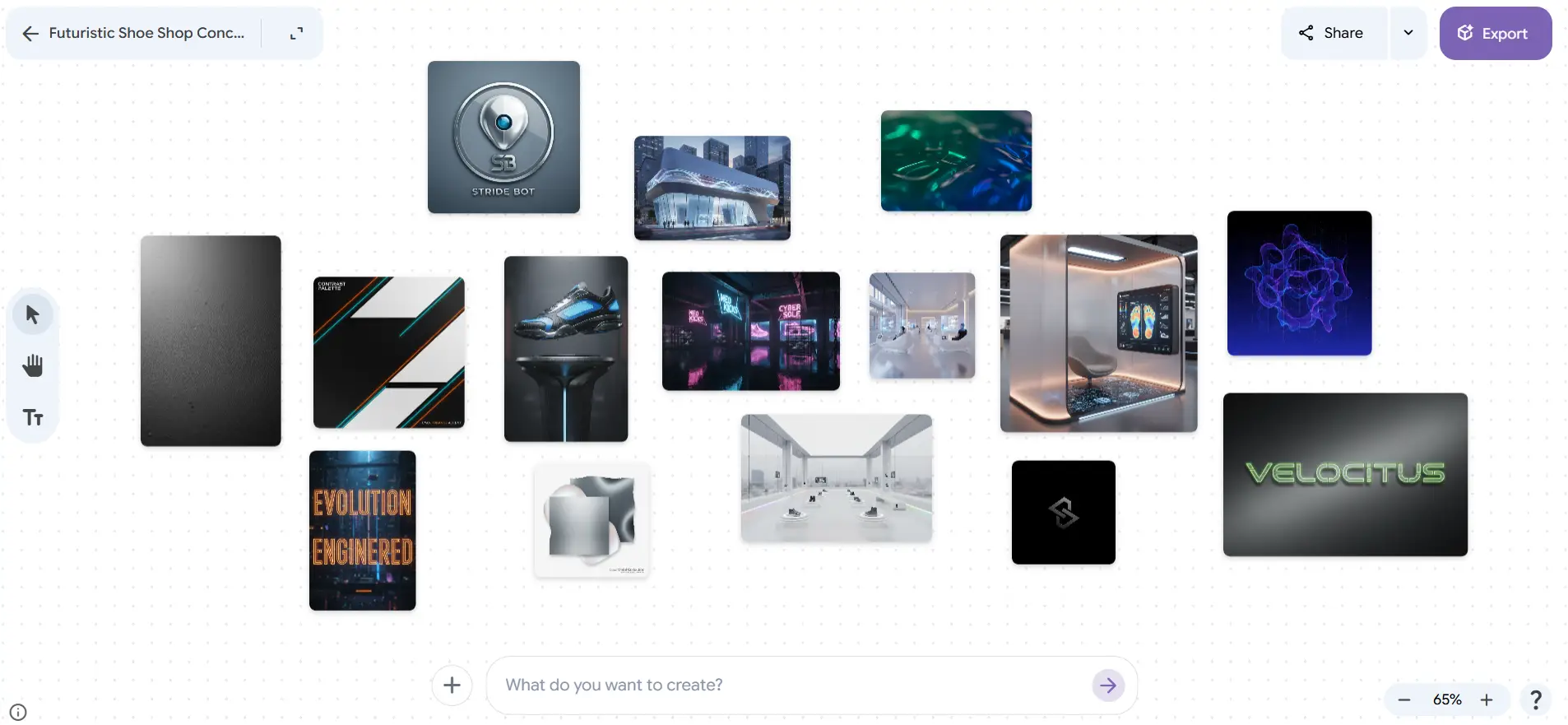
Test 1 – Generating Ideas from a Prompt
Example Prompt:
Create visual concepts for a futuristic shoe shop brand, including logo design, color palette, store interior ideas, and modern branding elements
Output –
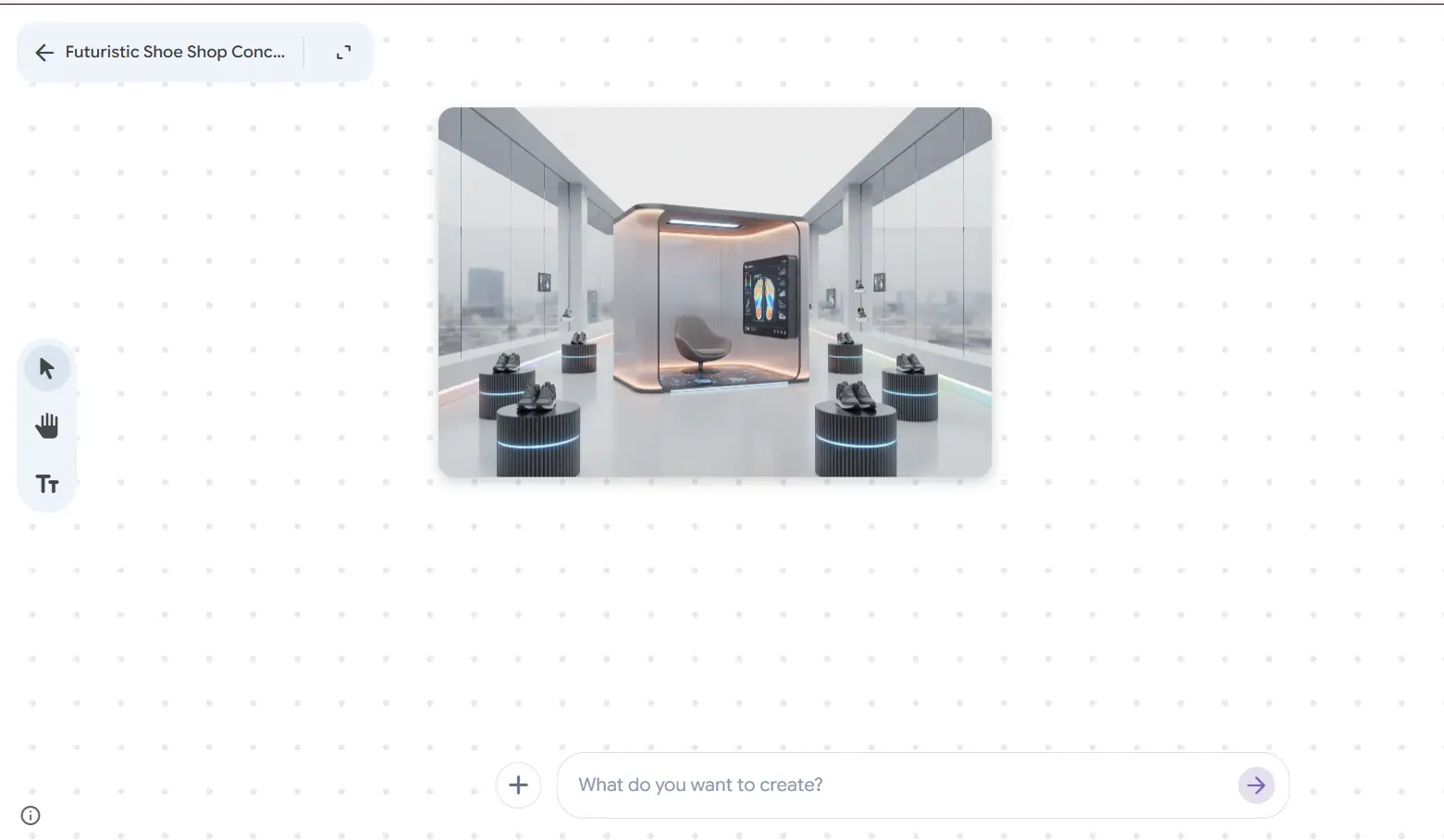
Test 2 – Combining the existing images
Example Prompt:
Select the images and provide a prompt with “combine the images"
Output–
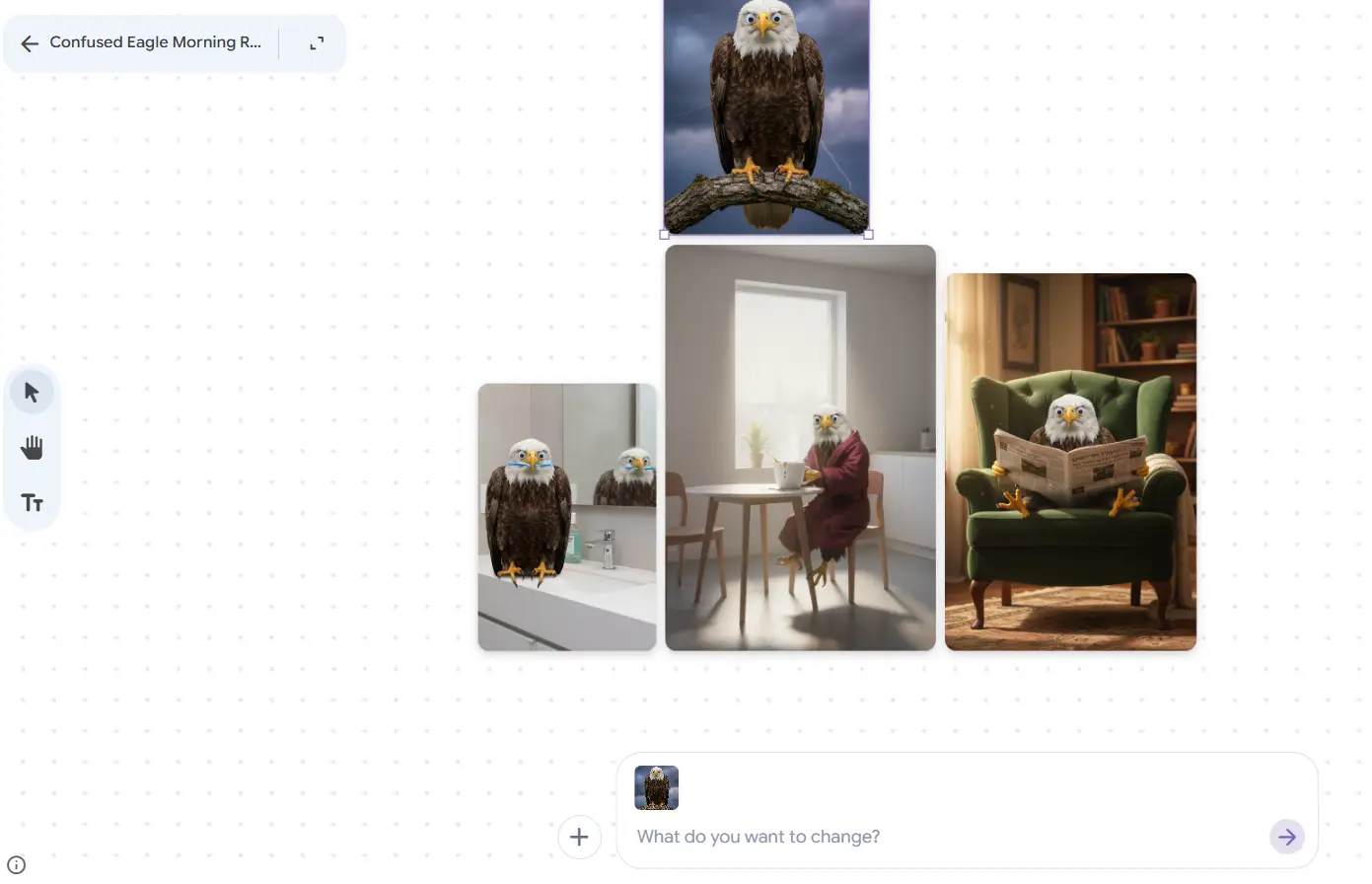
Test 3 – Upload Image and try new ideas
Example Prompt:
Upload the image and add a prompt - “put this eagle in morning routine scenes”
Output –
Key Features I Discovered While Testing Mixboard
Various Google Mixboard features attract creators to use its services.
- AI-Powered Image & Content Generation: Users can create unique visuals by typing text prompts or select from pre-populated boards to initiate projects. The system produces context-based text outputs that include labels and descriptions that depend on the images users add to the board.
- Natural Language Editing (Nano Banana): Users can use spoken commands for image modifications through Google Nano Banana AIGoogle Mixboard - Dashboard, which powers their platform.
- Interactive Canvas & Hybrid Creation: Users have the ability to merge AI-generated images with their personal image collection, like photos, PDFs, and website design elements. Users can draw directly on images to create their own image changes, which lead to editing results.
- Iterative Design Tools: The platform provides “regenerate” and “more like this” one-click options, which enable users to create new design versions of their work.
- Presentation Transformation: The new feature enables users to convert their disorganized brainstorming boards into complete professional presentations, which include enhanced visual elements and structured content.
- Multi-Board Project Management: Google Mixboard enables users to oversee several boards in one project, helping them arrange various subject matters better.
- Built-in Selfie Mode: It includes a selfie camera, which enables users to take personal photos for direct design integration, which helps them find wardrobe and style inspiration.
Google Mixboard vs Other Idea & Brainstorming Tools
| Tools | Category | Key Feature | AI Support | Best Use Case | Pricing |
| Google Mixboard | AI Idea Board | Prompt-based visual generation | Yes | Creative ideation & mood boards | Free |
| Inspiration Platform | Visual discovery | No | Idea collection | Free | |
| Canva | Design Tool | Templates & drag-drop editing | Limited AI | Graphic design | Free |
| Figma FigJam | Collaboration Tool | Team whiteboarding | Limited AI | Team brainstorming | Free |
| Adobe Firefly | AI Design Tool | Image generation | Yes | Creative assets | Paid |
| Midjourney | AI Generator | High-quality visuals | Yes | Artistic image creation | Paid |
Mixboard Pros and Cons
| Pros | Cons |
| Easy-to-use interface for beginners | Limited availability as an experimental tool |
| Strong AI-generated visuals | Not a full design software replacement |
| Combines ideation and execution | Output consistency may vary |
| Supports prompt-based editing | Requires internet access |
| Useful for rapid prototyping | Still evolving with limited features |
Final Thoughts on Google Mixboard
Google Mixboard AI is a new way for creative brainstorming through its combination of AI content generation and visual organization. The platform streamlines the creative process by enabling users to develop their ideas into finished products without switching between tools. The platform cannot compete with advanced design software, yet it helps users in the early design stages by allowing them to quickly develop and refine their ideas.
Google Labs Mixboard provides content creators, marketers, and designers with a way to create new ideas while testing different concepts that require less time than their usual methods. The ongoing development of Google’s AI ecosystem will empower Mixboard to become a strong creative workspace solution. This AI brainstorming tool by Google helps visualise ideas, making it a valuable resource.