Modern digital content workflows now depend on creative AI tools, which are becoming essential elements of their processes. AI currently enables teams to increase their creative production capacity through AI tools for social media graphics and videos, marketing visuals, hyper-realistic images, and AI-generated videos without requiring additional personnel. This AI design tools comparison assesses three tools, namely Canva Pro vs Google Nano 3 vs Sora 2, examining their common characteristics to assist creators, marketers, and businesses in selecting the best AI creative tools 2026.
Product Overview
Canva Pro
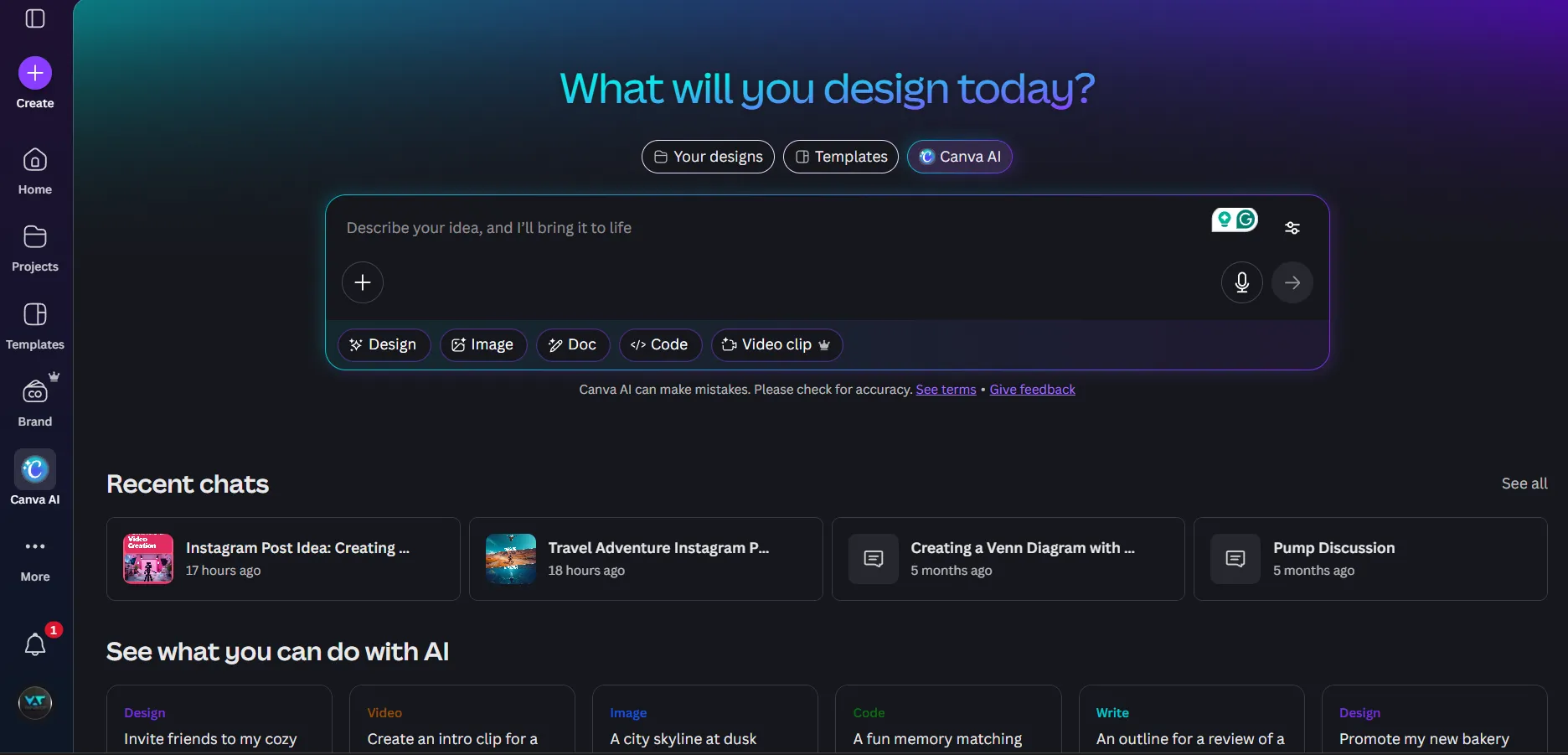
Canva Pro serves as a popular platform that lets users create designs quickly and offers team-based design capabilities. It answers the question of which AI tool is best for brand content, as it provides social media graphic designers, presentation creators, video producers, and brand content developers with professional design templates, drag-and-drop tools, and a comprehensive stock asset collection.
Canva uses AI technology for background removal, text-to-image conversion, and magic design tools, but its main feature enables users to create structured content through predefined creative elements. Canva Pro serves marketing teams, small businesses, and creators who require fast production of standardized brand materials. Design teams use Canva because of its simple design interface, which lets them work together on projects with their content schedule in mind.
Google Nano 3 (Nano Banana Pro)
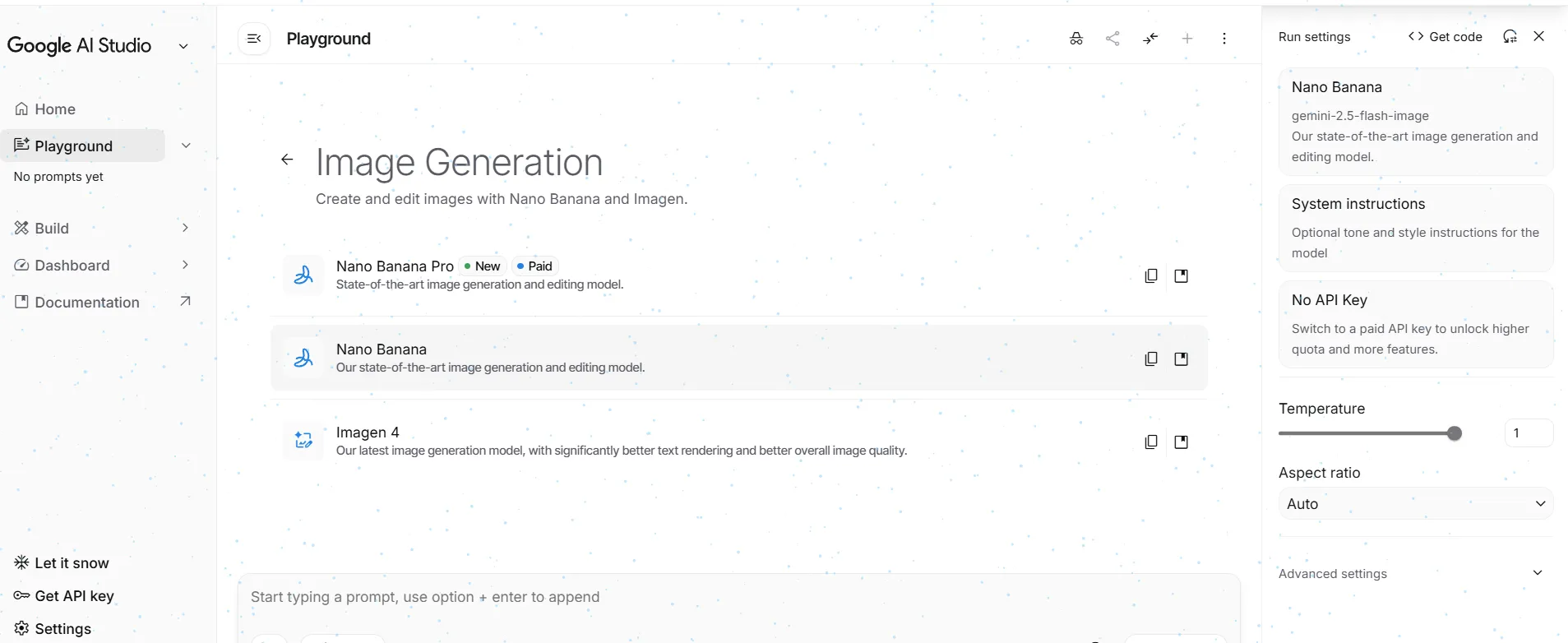
The Google Nano 3, known as Nano Banana Pro, serves as a major advancement for professional AI image creation. The system produces accurate visual results, which include high-resolution images that show text at exact rendering points, authentic lighting effects, and complete compositional control. The Nano 3 tool provides better performance than template-based systems because it handles data-intensive images, which include infographics and diagrams, and presentation visuals that need clear details. The system combines with Google services through Vertex AI and Workspace, making it beneficial for business customers and software developers.
Sora 2
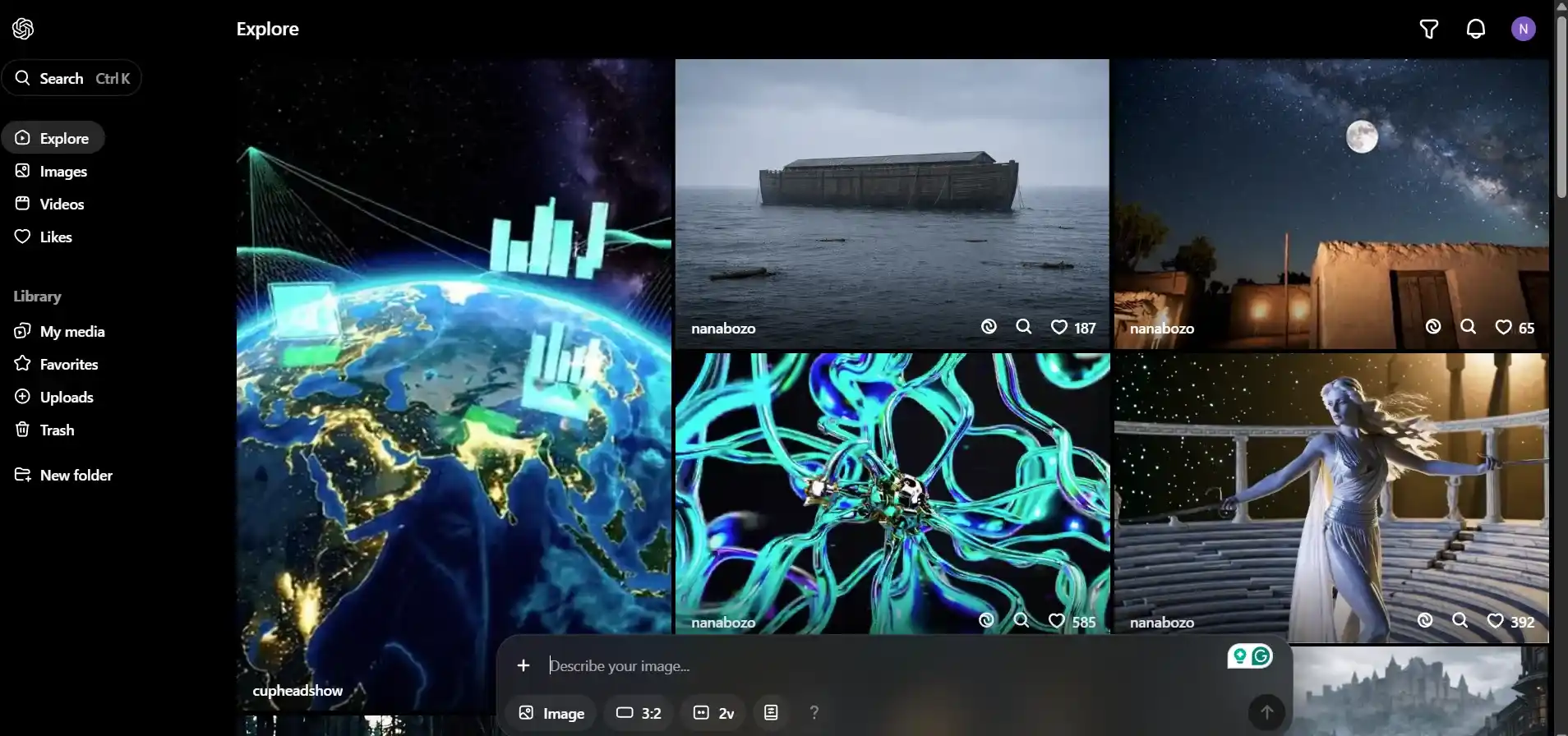
How Sora 2 works for video generation? Sora 2 functions as an advanced AI video generation system that creates realistic videos that follow a continuous story. The system allows artists to create short, realistic videos that display human movement and natural environmental behavior with matching human speech and sound effects.
Sora 2 creates cinematic sequences through prompts, which make its results resemble actual filmed footage, while traditional video editors and template tools don’t seem as realistic. The platform excels at creating stories for social media and visual media experiments. Sora 2 video generation review suggests that it functions more effectively as a standalone tool because it helps individual creators and concept development, while lacking capabilities for team-based production work.
Common Evaluation Criteria
Canva Pro
Canva Pro enables users to create professional static and animated content through its selection of top-quality templates and high-resolution stock assets. The platform uses AI tools to boost efficiency while most creative work continues to follow predefined template structures. The system provides consistent brand output because it generates predictable results, but the engine restricts advanced AI model testing for creative development.
Google Nano 3
Google Nano 3 is one of the best Canva Pro alternatives for AI design and generates high-quality images because it creates detailed visual content, which users can control through their design choices, lighting elements, and textual accuracy. The system works best for professional visual materials that require exact outcomes while allowing creative freedom. The system delivers high output quality, yet users need to understand technical aspects for effective operation.
Sora 2
Sora 2 is another Canva Pro alternative and can produce audiovisual content, which identifies physical movements and synchronizes sound components with visual elements. The system produces audiovisual results that create a cinematic experience, making it suitable for both storytelling purposes and creating short videos. The system still needs time to develop its features, which enable users to create predictable outputs through repeatable processes.
Dedicated Feature Highlights
Canva Pro — Creative Suite Enhancements
Canva Pro enables organizations to manage their brand assets through its Brand Kits feature while offering content scheduling capabilities through its Content Planner tool. The AI-based video and audio production tools enable users to create multimedia content through existing templates and transitions, and voice generation capabilities, which report no requirement for professional training.
Google Nano 3 — Professional Image Generation Advantage
Google Nano 3 operates as the optimal choice for situations that demand visual content with substantial text and require precise data presentation. The system maintains its integrity while processing infographics and charts and contextual images, which represents a typical limitation found in generative models. The API provides access to the system, which organizations can use to implement automated processes that cover their research needs, reporting requirements, and presentation needs. Organizations that need to maintain design accuracy, system expansion, and technical integrity will find Nano 3 to be an essential resource.
Sora 2 — Narrative Video Generation
Sora 2 enables users to create videos through storyboard techniques, which allow them to build multi-scene content by entering their desired scenes. The system uses sound effects and dialogue synchronization to enhance production quality, which benefits social media content, marketing experiments, and storytelling projects through its real-world audio capabilities.
Testing Methodology
Test Scenarios Defined
All tools underwent testing through identical test scenarios, which involved making marketing visuals for specific brands, developing graphics based on data, and creating brief video segments. The team aimed to evaluate three different aspects, which included its operational performance, the visual results it produced, and its ability to handle actual business tasks.
Image Prompt:
Create a post for my Instagram platform about my travel history to awsome place like sky diving, road trip to lehladak, scuba diving. The post will be divided into 3 equal horizontal sections, the first section will have a landscape image of a person doing skydiving, in the second section, the same person riding a long tour bike on Leh-Ladakh road, and in the last section, the same person doing scuba diving.
Canva Pro Output:

Nano Banana Output:
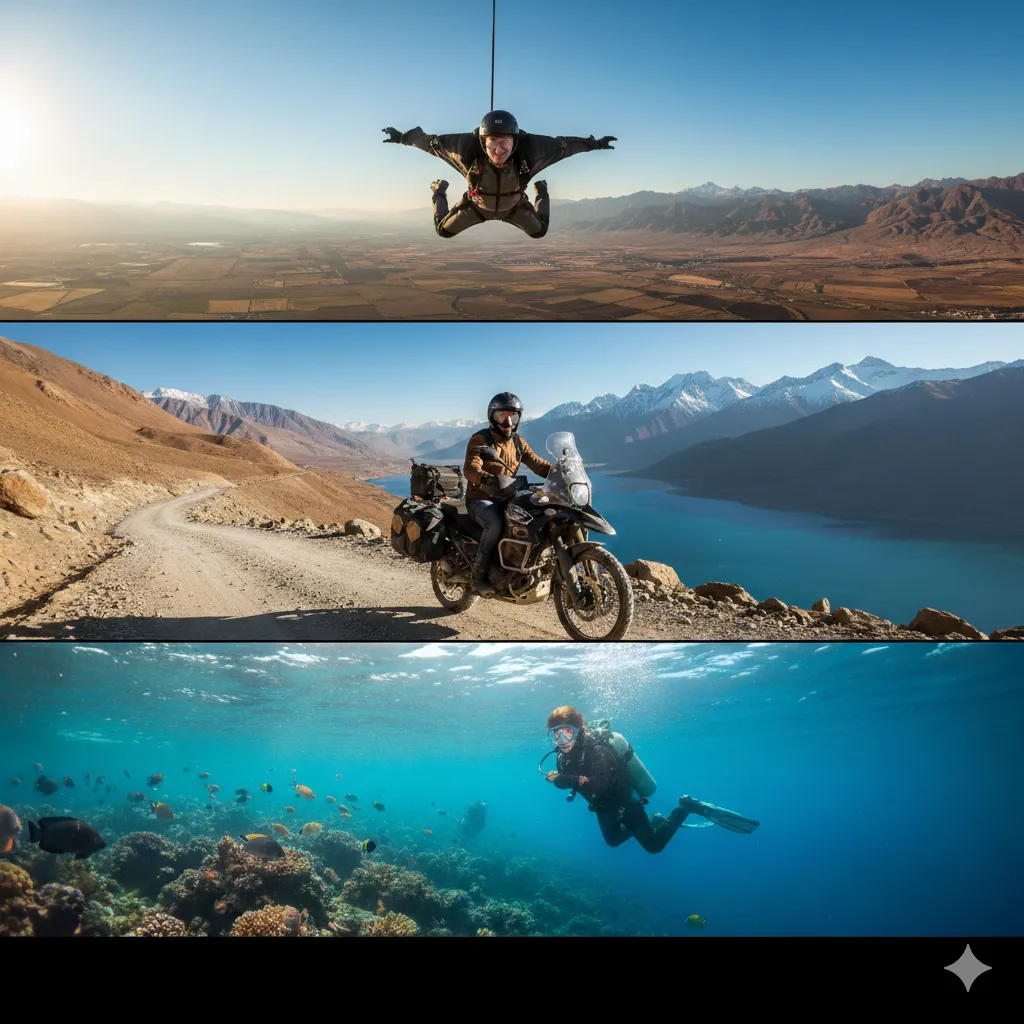
Sora 2 Output:

Video Prompt
I want all three parts of the image converted into a video, make the man do a skydive, in the second part make the man ride a bike while dust flows, in the third part make the man swim easily in water.
Canva Pro Output:
Nano Banana + Veo 3 Output:
Sora 2 Output:
Evaluation Metrics
The main evaluation metrics for the study assessed creative flexibility, accuracy, rendering quality, ease of iteration, collaboration readiness, and integration into existing content pipelines.
AI Design Tools Comparison Table
| Dimension | Canva Pro | Google Nano 3 | Sora 2 |
| Primary Output Focus | Design & templates | AI image generation | AI video generation |
| Creation & Control Model | Guided, template-based | Prompt-driven, precise | Prompt-driven, cinematic |
| Output Predictability | High | Medium-High | Medium |
| Workflow & Team Readiness | Strong | Moderate | Limited |
| Best-Fit Use Case | Marketing & social content | Infographics & visuals | Storytelling & video |
Workflow Integration & Operational Fit
The seamless integration of Canva Pro into marketing workflows, content calendars, and collaborative environments makes it a perfect solution for continuous brand development. The Google Nano 3 tool operates efficiently within research workflows and analytical processes, particularly when used with Google products. Sora 2 operates as a creative accelerator that functions better for ideation, concept videos, and experimental storytelling than for standard production pipelines.
Scalability & Team Collaboration
Canva Pro enables multi-user team collaboration while providing shared brand assets, which allows teams to work together effectively as their team size increases. Google Nano 3 requires both computational power and expert knowledge to function effectively, which makes it unsuitable for individual users and developer-led teams. Sora 2 currently has limitations in collaborative production, scaling more through model capability than team workflows. The distinction between tool types shows whether they scale based on workforce expansion or their ability to produce AI output.
Recommendation Guidance
The selection process for Canva Pro vs Google Nano 3 vs Sora 2 requires organizations to determine their creative objectives. Canva Pro is the best AI tool for infographics and visuals for teams producing consistent, on-brand marketing content at scale. Google Nano 3 works best for business users who require precise and high-quality visual assets that operate within corporate systems. Sora 2 is one of the best AI tools for marketing creatives who want to explore the advanced capabilities of AI-generated video and narrative content. The different tools provide unique functions that create a complete creative AI system because they were designed to serve different purposes.