Key Highlights:
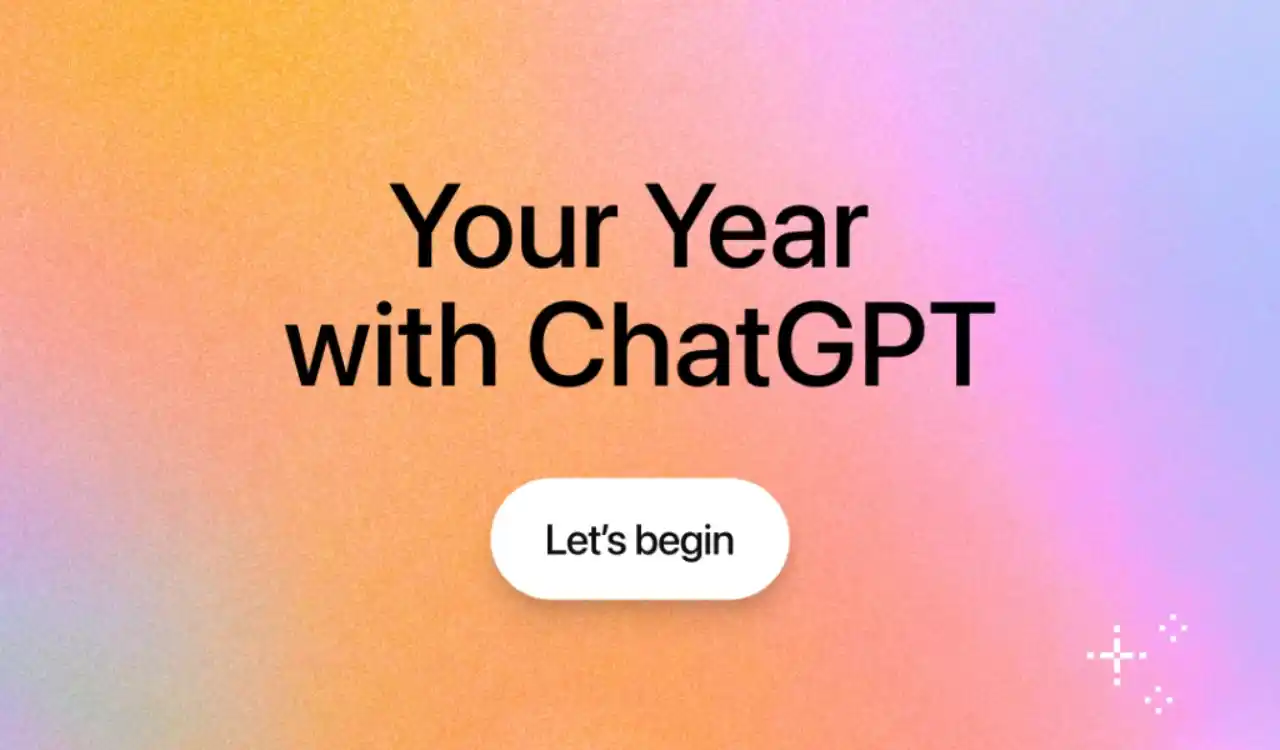
- Similar to Spotify Wrapped, ChatGPT users can now check a personalized look back at how they interacted with the AI assistant in 2025. OpenAI calls it “Your Year with ChatGPT.”
- The feature is currently available to eligible Free, Plus, and Pro users in select regions, including the U.S., Canada, the U.K., Australia, and New Zealand.
- You can only access it if you have saved memories, chat history, and have a minimum activity level. The feature is now available on web and mobile and will expand to more regions soon.
As 2025 is coming to an end, more and more online platforms have released their specific year-in-review. Here I’m talking about Spotify Wrapped, Google’s Year in Search, Snapchat Recap, and more. OpenAI, meanwhile, is an AI company, but it isn’t shying away from joining the bandwagon and has released its own version called “Your Year with ChatGPT.”
ChatGPT users can get personalized year in review, but it’s limited to select regions now
As the name suggests, ChatGPT users can have a personalized look back at how they used the chatbot over the past year. The new feature is now available to eligible users in select markets, including the United States. Apart from that, ChatGPT users from the English-speaking regions like Canada, the UK, Australia, and New Zealand are getting access right now.
According to OpenAI, the annual review is available to users on the Free, Plus, and Pro plans. However, there’s a catch. To view “Your Year with ChatGPT,” you must have both “reference saved memories” and “reference chat history” enabled. You’ll also need to meet a minimum conversation activity threshold to be eligible. Meanwhile, Team, Enterprise, and Education accounts are excluded from the ChatGPT Wrapped experience.
OpenAI describes the feature as “lightweight, privacy-forward, and user-controlled,” noting that participation is optional. While “Your Year with ChatGPT” will be promoted on the app’s home screen, it won’t open automatically or force users to engage. Similar to Spotify Wrapped, you’ll see playful visuals and personalization.
You may also like: OpenAI Rolls Out Security Update for ChatGPT Atlas to Block Prompt Injection Attacks
The feature is now available across ChatGPT web and mobile app
ChatGPT highlights how individuals interacted with the assistant throughout the year and hands out themed “awards” based on usage patterns. For example, users who frequently worked through problems or brainstormed ideas might receive a title like “Creative Debugger.” Besides stats and labels, Your Year with ChatGPT also generates a short poem and an AI-generated image showcasing the user’s most common interests and topics from the year.
Your Year with ChatGPT is now available across the ChatGPT web app and the iOS and Android mobile apps. You can also trigger it manually by simply asking ChatGPT for “Your Year with ChatGPT,” without navigating through menus. By hopping on the year-end trend, OpenAI is focusing on making ChatGPT more personal, not just functional.
As mentioned earlier, the rollout is currently limited to specific regions and accounts. However, if you are living in other regions than the ones mentioned above, don’t worry, you’ll get access to “Your Year with ChatGPT” soon, as OpenAI has plans to expand the rollout to more regions.
You may also like: OpenAI’s New ‘GPT Image 1.5 Model’ Is Here, With Dedicated Images Feature in ChatGPT
A quick look at how to check “Your Year with ChatGPT” experience
- First, launch the ChatGPT app or the website and type “your year with ChatGPT.”
- Next, you’ll see a small chip with “Your Year with ChatGPT” will be visible in the text prompt box.
- Finally, hit the Send button and ChatGPT will take somewhere around 10 minutes to generate your personalized 2025 recap of how you used the AI assistant this year.
Is “Your Year with ChatGPT” available for you? If yes, what’s interesting about it? Drop your thoughts in the comments below.